Authentication Explained: 2FA vs MFA for Businesses
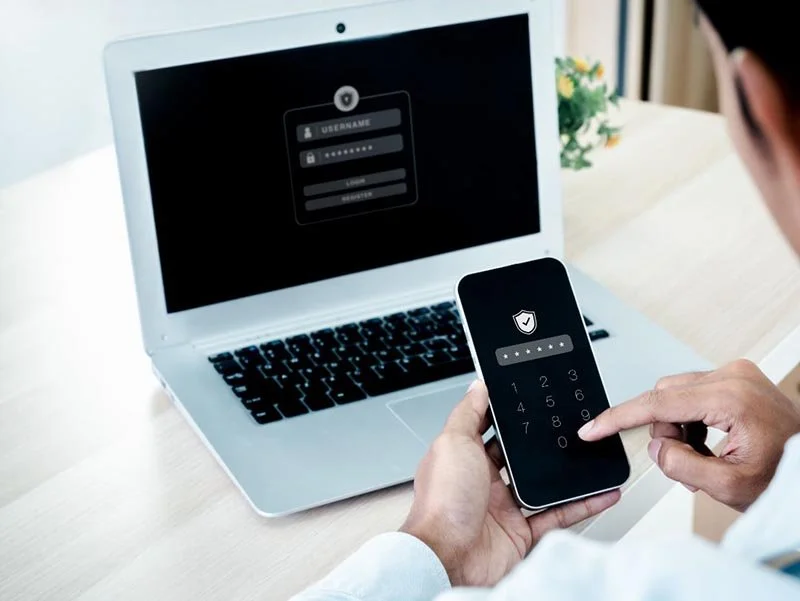
When it comes to logging in securely, you’ve probably heard the terms two-factor authentication, or 2FA, and multi-factor authentication, or MFA.
They sound almost the same, but there’s a difference - and understanding it can help you make smarter choices about protecting your business.
Authentication just means proving you are who you say you are. The most common way is a password. The problem is that most passwords are weak. People reuse them, keep them short, or go with classics like “Password123.” Even if you create a strong password, once it gets stolen in a data breach, it’s game over. That’s where 2FA and MFA step in.
Two-Factor Authentication means you need exactly two proofs of identity to log in. Usually, it’s your password plus something else you have - like a code texted to your phone or a push notification from an authenticator app. You put in both, and you’re good to go. It’s simple, and far better than relying on a password alone.
Multi-Factor Authentication takes it further. It means two or more checks, not just two. That could mean a password, plus a security key, plus a fingerprint. MFA isn’t limited - it lets you stack on extra layers depending on how secure you need things to be.
Here’s the plain English version: 2FA is a subset of MFA. Every 2FA setup is MFA, but not every MFA setup is 2FA. With 2FA, you stop at two. With MFA, you can keep layering. Think of it like home security: 2FA is locking the door and setting the alarm. MFA is locking the door, setting the alarm, and requiring a fingerprint to disarm it. Each extra step makes it harder for an attacker to get in.
Now, does this sometimes make logging in a little less convenient? Sure. But the goal isn’t to make your life harder. It’s to make a hacker’s life harder. That small bit of effort on your end can make the difference between keeping your data safe and suffering a costly breach.
The key takeaway is this: 2FA and MFA are the new baseline. Hackers don’t just go after large corporations anymore - small and mid-sized businesses are prime targets. Adding 2FA or MFA is like putting up a serious roadblock. And if you really want to level up, advanced MFA options like biometrics, physical keys, or systems that detect unusual login behavior can make your defenses even stronger.
So, to wrap it up: 2FA gives you two layers of protection, MFA gives you two or more. Both are leaps ahead of passwords alone, but they’re the starting point, not the finish line. Use strong passwords, enable 2FA or MFA everywhere you can, and add advanced options where it matters most. At Simplex-IT, we don’t recommend these tools to slow you down - we recommend them to stop hackers in their tracks. And trust me, that’s a tradeoff every business should make.
Still have questions or need assistance with Multi-Factor Authentication (MFA) and Two-Factor Authentication (2FA)? Schedule a call with us or visit with us or visit our Learning Center for more information. We're here to help!