Does Apple Compress Files? Here’s Why Your Photos and Videos Lose Quality
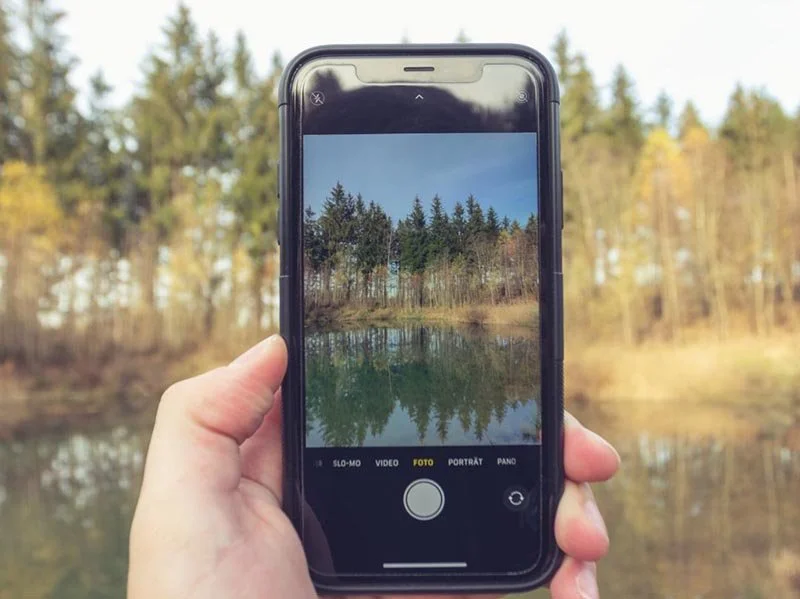
Have you ever sent a photo, video, or document from your iPhone, iPad, or Mac and noticed the quality looked a little different - or maybe the file arrived zipped up in a folder? That’s Apple’s file compression at work.
So why does Apple do this? The short answer is simple: to make your files smaller so they’re easier to store, send, and share.
First, there’s storage. High-quality photos and videos can eat up space fast, and Apple devices don’t have unlimited storage. Compression helps reduce the size without a big drop in quality. For example, a five-megabyte photo might shrink down to two, and most people won’t even notice the difference.
Next, sending and sharing. Smaller files move faster. Whether you’re texting, emailing, or even AirDropping, compression helps the transfer go smoothly, especially if your internet connection isn’t strong. It also keeps you from hitting email attachment limits. This is why videos sent through iMessage often aren’t full quality - Apple prioritizes speed and reliability.
Here’s a quick example. Let’s say you’re on vacation and you take a video of a beautiful sunset. If you send that clip through iMessage, it’ll usually look a little fuzzy compared to what you saw on your phone. But if you AirDrop it to a friend standing right next to you, they’ll get the full-quality version - no compression at all.
Compression also helps with platform limits. Many apps and email services cap the file sizes you can send, so shrinking them down means they’ll still go through without you having to mess around with settings.
And then there’s iCloud. Since iCloud storage isn’t unlimited, compression helps you fit more into your plan. By storing smaller files, you get more mileage out of your available space.
You’ll see this compression in a few ways. Photos are often saved in Apple’s HEIC format, which keeps quality while using less space. Videos get saved in HEVC for the same reason. Multiple files might be bundled together in a ZIP archive so they transfer faster. Even backups are compressed before uploading to iCloud or moving to another device.
Now, can you avoid compression? Sometimes, yes. If you need the original, full-quality file, AirDrop is your best bet because it doesn’t compress at all. You can also change your iPhone camera settings to use JPEG instead of HEIC, but that takes up more storage. And cloud storage services like iCloud Drive, Dropbox, or Google Drive let you share the full versions without shrinking them.
At the end of the day, Apple compresses files to save you space, speed things up, and work around size limits - and most of the time, you won’t even notice. But if you need the absolute highest quality, there are ways to send and save without compression.
Still have questions or need assistance with Apple compressing your files? Schedule a call with us or visit our Learning Center for more information. We're here to help!