What Is User Authentication in Cybersecurity? A Simple Business Guide
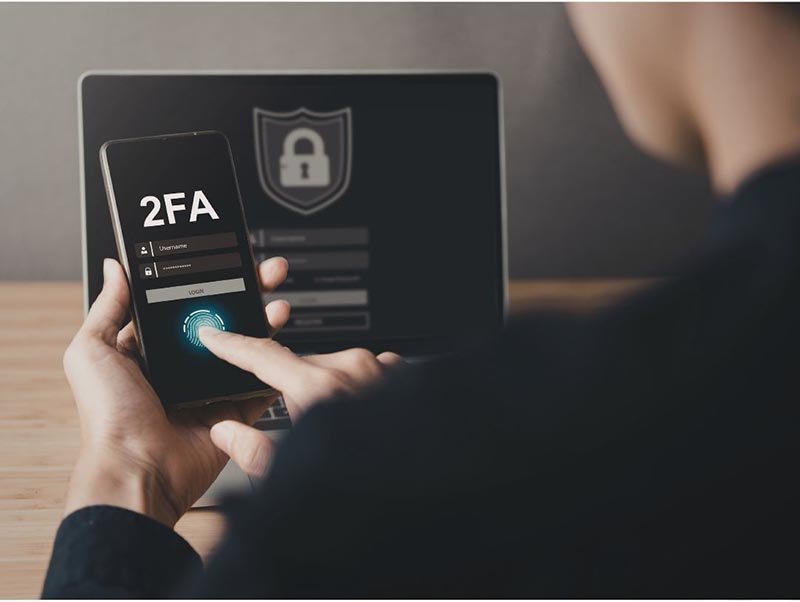
What is User Authentication? User authentication is a security process that protects your business’s sensitive information by ensuring that only authorized individuals can access certain data or systems. Think of it as a locked door that only the right people have the keys to - without the right key, no entry.
How Does User Authentication Work? Let’s break it down with an example. Imagine you have two employees, User A and User B. Each of them has access to different types of information depending on their job roles. User authentication ensures that User A can only access the data they are allowed to see - like project files or customer information relevant to their work. They can’t snoop around or accidentally view User B’s sensitive information, such as HR records or financial details.
The authentication process typically involves verifying the identity of the person attempting to access the system. This is usually done by asking for a username and password. However, there are more advanced methods to ensure security, such as two-factor authentication (2FA) or biometrics (fingerprint or facial recognition).
For your business, without proper user authentication, unauthorized individuals - whether they are hackers, former employees, or even accidental users - could potentially access sensitive company data. This could lead to:
Data breaches that expose customer or financial information
Unauthorized changes to critical business systems
Loss of trust from your clients or partners
Here are a few common types of user authentication you might encounter:
Single-Factor Authentication (SFA): This is the most basic form, usually involving just a username and password. It’s simple but not the most secure, as passwords can be weak or compromised.
Two-Factor Authentication (2FA): Adds an extra layer of security. In addition to a password, the user must provide something else, like a code sent to their phone or an email verification link.
Multi-Factor Authentication (MFA): Even more secure, this method might combine several factors like a password, a security code, and biometric verification (like a fingerprint).
Biometric Authentication: This involves using physical characteristics, such as fingerprints or facial recognition, to verify identity. It’s highly secure but may require more advanced technology.
For a business owner, user authentication is a key piece of your cybersecurity strategy. It’s the process that ensures only the right people can access the right information. By implementing strong authentication practices, you can reduce the risk of unauthorized access and protect your company’s valuable data from falling into the wrong hands
Still have questions or need assistance with user authentication? Schedule a call with us or visit our Learning Center for more information. We're here to help!